




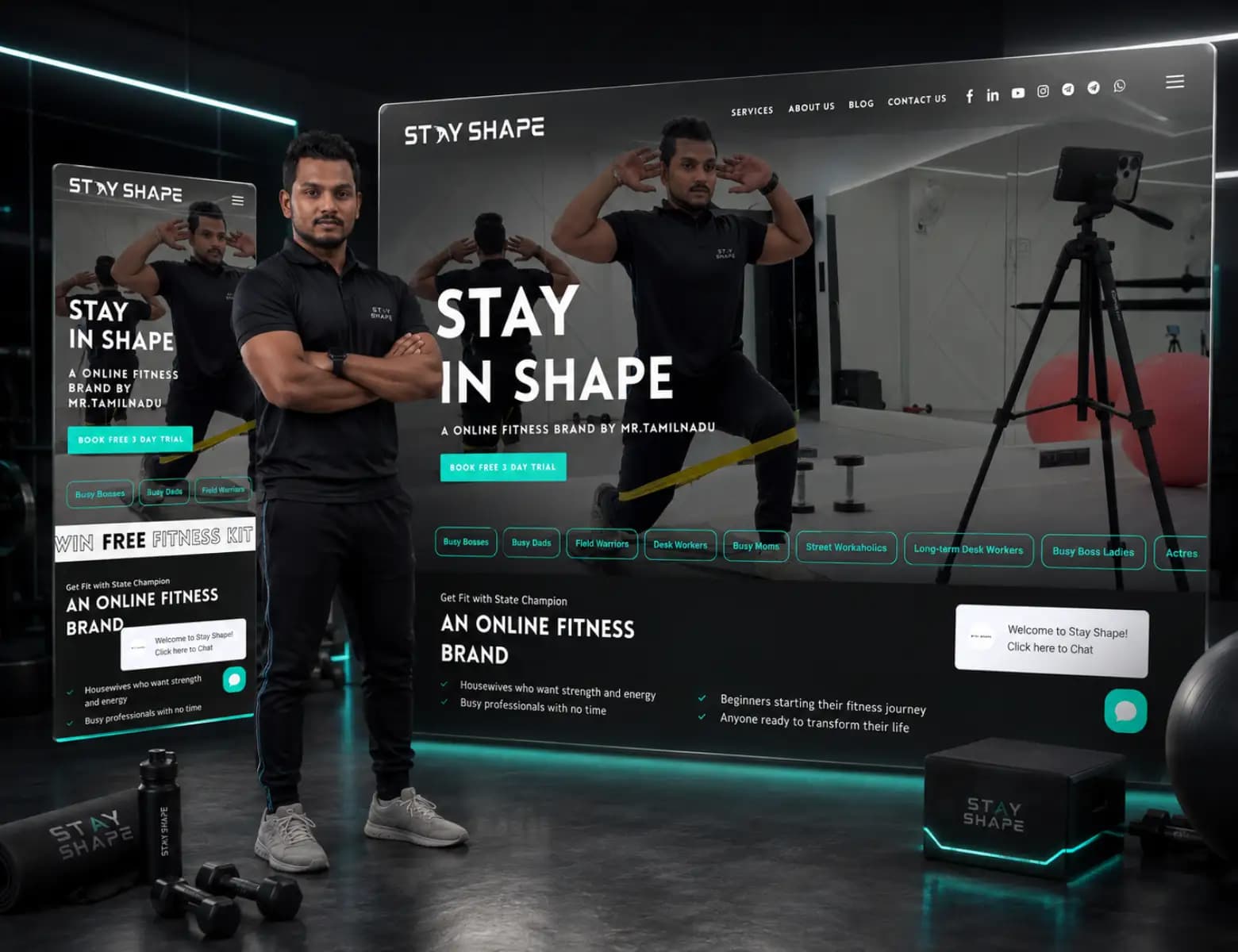

Website development and marketing agency
A web portal development company for the work your website cannot do.
Tech Conversion is a web portal development company for businesses in India, the UAE and the USA that have outgrown spreadsheets and email threads, mapping the real workflow first and then building the client portal, dashboard or internal tool that removes the manual work.
Most web application development agencies start from a feature list. We start from your workflow: client portals, internal dashboards and booking systems that replace the spreadsheet and the email thread.
- Workflow mapping
- Roles and permissions
- The smallest useful version
- Integrations
Typical timelineScoped in phases. A first useful version usually ships in six to twelve weeks.
Already built
Dashboards & portals, for these businesses
The website and SEO direction have helped us present our services more clearly and reach a more relevant audience.
Who needs this
The real system is a spreadsheet and a WhatsApp group.
Growth exposes the workaround. Client updates go out by email, status lives in one person's head, and the spreadsheet everyone edits has three versions. It works until it very publicly does not.
The real system is a spreadsheet
The process works because one person keeps it working. It exists in several versions, two of them in an inbox, and nobody wants to be the one who breaks it.
Clients ask for updates you assemble by hand
Every status request costs somebody an afternoon of copying between systems, and the answer is already out of date by the time it is sent.
The software you can buy does not fit
The tools that nearly work would need enough workarounds, licences and exports that the workarounds quietly become the system.
Reporting arrives after the decision
Leadership asks the same question every month, the answer takes a day to assemble, and it ends up explaining the past rather than changing anything.
- The same information is re-keyed into two systems
- Clients ask for updates you have to assemble by hand
- Reporting takes a day and is out of date when it lands
- One person is the only one who knows how it works
What the work is
Client portal development: what is in, and what is not
Said in both directions, so nothing is waiting to be added once the work has started.
Included, every time
- 01Workflow mapping
We follow the real process, including the workarounds, before proposing any software.
- 02Roles and permissions
Who sees what, decided deliberately, because this is the part that is expensive to change later.
- 03The smallest useful version
We ship the part that removes the most manual work first, then build on evidence.
- 04Integrations
Connected to the tools you already pay for rather than replacing them wholesale.
- 05Reporting
The numbers leadership asks for, generated rather than assembled.
- 06Documentation
Written for the person who inherits it, not for the person who built it.
Not included
- Hosting, licences and third party subscriptions, which are registered in your name and paid by you
- Cleaning the data in the existing spreadsheets, unless migration is scoped at the start
- Native mobile apps for the app stores, which are a different build
- New features after the support window, which are quoted as their own phase
What changes
What custom dashboard development changes for you
For the business, not for the website. What we do is the previous section; this is what it is for.
One place the work lives
Status, documents and history sit in a system with a login rather than in an inbox, so the answer is the same whoever is asked and whoever is away.
Permissions decided on purpose
Who sees what is designed at the start, because it is the part that is expensive and risky to change once real client data is sitting behind the assumption.
Reporting that is generated, not assembled
The figures leadership asks for come out of the system on demand, instead of being rebuilt by hand each month by whoever is least able to refuse.
A system somebody else can inherit
Written documentation, described interfaces and a readable codebase, so the business is not dependent on the person who happened to build it.
What it is held to
Standards and frameworks
Named, published and checkable. These are the frameworks the work is built to and tested against, not badges we claim.
- OWASP Top 10↗
The reference list of web application risks. Authentication, access control, injection and misconfiguration are checked against it before anything holding client data goes anywhere near production.
- OWASP Application Security Verification Standard↗
Used as the checklist for what a logged in application has to prove rather than claim: session handling, password storage, access control, error handling and logging.
- OpenAPI Specification↗
Every interface the application exposes is described in a published specification, so a later integration is built against a document rather than against a developer's memory.
- Digital Personal Data Protection Act, 2023↗
India's data protection law, which governs what personal data the system stores, who inside your business may see it, and what has to happen when somebody asks for theirs to be corrected or removed.
- WCAG 2.2, level AA↗
An internal tool is used all day by people who may navigate by keyboard or screen reader. Contrast, focus order, labelling and error messages are tested rather than assumed.
- Core Web Vitals↗
Applied to the pages a client logs into, because a portal that is slow to open is a portal your team ends up answering by email instead, which was the original problem.
How it runs
Custom web application development, step by step
Six steps, and what each one hands you at the end of it.
- 01
Follow the real process
We sit with the people doing the work and map what actually happens, including the workarounds, before anybody proposes software. The workarounds are usually the requirement.
You getA workflow map and a written specification.
- 02
Decide roles and data
Who sees what, who may change it, and what the system has to remember. This is settled first because it is the costly thing to retrofit later.
You getA role and permission model, and a data model.
- 03
Cut to the smallest useful version
We agree the part that removes the most manual work and build that first, so the system is earning its keep before the next phase is scoped.
You getA phased plan with the first release defined.
- 04
Build in the open
The application is built in short cycles on an address you can log into, so you are correcting it as it appears rather than reacting to it at the end.
You getA working application on staging, reviewed each cycle.
- 05
Integrate and test
Connections to the tools you already pay for, then testing with real data and real users on the devices they actually use rather than on a developer's machine.
You getIntegrations live, a tested release and a written test log.
- 06
Deploy and hand over
Deployment, a support window while the team settles in, then the code, the accounts and documentation written for the person who inherits the system.
You getThe deployed application, source code, every login and admin documentation.
- 01Follow the real process. A workflow map and a written specification.
- 02Decide roles and data. A role and permission model, and a data model.
- 03Cut to the smallest useful version. A phased plan with the first release defined.
- 04Build in the open. A working application on staging, reviewed each cycle.
- 05Integrate and test. Integrations live, a tested release and a written test log.
- 06Deploy and hand over. The deployed application, source code, every login and admin documentation.
What lands, and what you bring
Deliverables, timeline and what we need from you
You receive
- Workflow map and specification
- Working application, deployed
- Role and permission model
- Integrations with existing systems
- Admin and user documentation
- Support window after launch
How long
Scoped in phases. A first useful version usually ships in six to twelve weeks.
You bring
- The people who do the work, available for the mapping sessions, not only the manager who describes it
- A decision maker who can settle a disagreement about the process in the room
- Access to the systems it has to connect to, and to whoever holds those accounts
- The existing data, in whatever state it is in, so migration can be judged honestly
- A named person inside the business who will own the system after handover
What it costs
Priced as a custom application engagement
Priced as a custom application, the longest and most milestone driven of the three engagements. The published figure is where a focused first version starts. What moves it is not the number of screens but how many roles the system has to serve and how many other systems it has to agree with.
Starts from
₹40,000
$1,000 if you pay from outside India.
Eight to twelve weeks, milestone based
All three engagements, side by sideWhat moves the figure
- How many distinct roles and permission levels
- How many systems it has to integrate with, and how open they are
- Whether existing data has to be migrated and cleaned
- Whether it has to work on a phone, on a shop floor or in the field
A written quote follows the strategy discussion. Nothing is added afterwards that was not named in it.
Where it goes wrong
Common mistakes, risks and pitfalls
The mistakes we see most, including ones we have made. Worth knowing before you buy this from anyone.
Specifying the software instead of the process
A feature list written before anybody has watched the work being done describes the system the writer imagines, not the one the team will actually use on a busy Tuesday.
Building everything before shipping anything
A build that only becomes useful at the end is a build that discovers its mistakes at the end. Ship the part that removes the most manual work first and learn from it.
Leaving permissions until later
Roles are the most expensive thing to retrofit, because by then real client data sits behind assumptions nobody wrote down about who could see it.
No named owner after handover
A system with nobody inside the business responsible for it drifts out of date, and within a year the spreadsheet is quietly running alongside it again.
The honest comparison
What else you could do
Including the options where you do not hire us. One of them is right for some readers of this page.
Keep the spreadsheet and tighten it
The process is stable, the team is small, and the real problem is that nobody agreed who edits what. Cheapest by a distance and right more often than agencies admit.
An afternoon of discipline, with the same fragility still underneath it.
Buy the software
Your process resembles the market's. A tool that fits will always beat a build that nearly does, and we say so when that is the answer.
Licences per person per month, and a process shaped by somebody else's assumptions.
Automate between the tools you have
The systems are right and the problem is the copying between them. Often a fraction of the cost of a build.
A subscription, and a set of automations somebody has to maintain and document.
A custom application from us
The process is what makes you competitive, or the licences and workarounds needed to make an ill fitting tool behave would cost more than building the one that fits.
From the application starting price published on this page, set by roles and integrations.
Proof
A real one, not a mockup
DiscoverMSPs is the closest published example: a provider intelligence business where the site had to carry a data product, its subscriptions and a delivery promise rather than a brochure. The case study shows what was built and carries the client's own words, which is where any claim about it belongs.
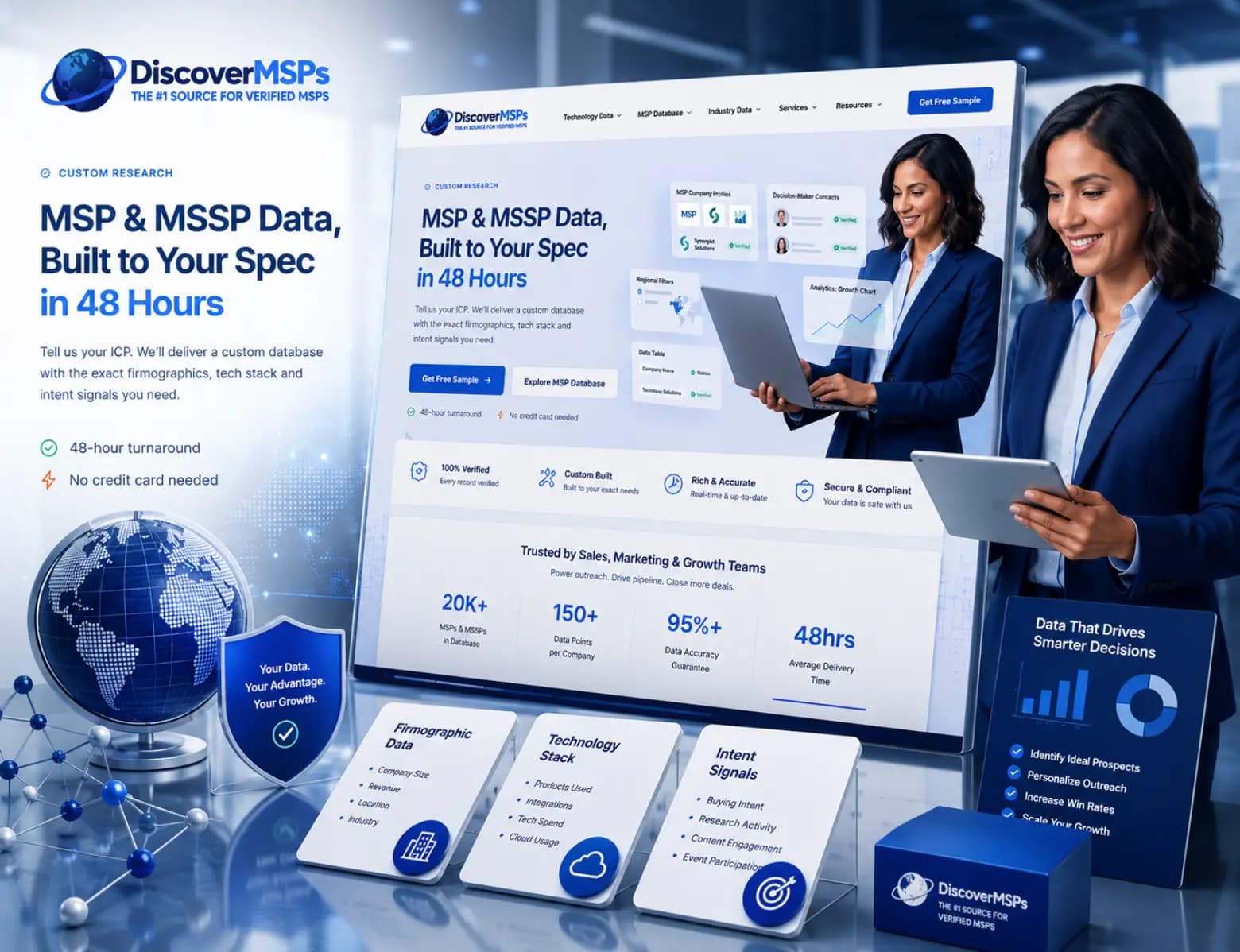
B2B data platform
DiscoverMSPs
A data platform that sells its own subscriptions.
Read the caseWho delivers it
Who you will actually work with
The people who scope this work are the people who do it. 6 department heads and two directors, one team.
 Mohammed Imran MFounder & Director
 Rohit NagarHead of Creative Design
Questions
Questions buyers ask web application development agencies, answered
The things people ask about dashboards & portals before they buy it.
What is a client portal?
A client portal is a secure, logged-in area where customers see their own information: project status, documents, invoices or usage. It replaces the manual work of assembling and emailing updates, and it reduces inbound status requests.
When should you hire a web app development company instead of buying software?
When your process is what makes you competitive, or when the licences and workarounds needed to make a bought tool fit would cost more than building one that does. Buy when your process looks like everyone else's, because a tool that fits beats a build that nearly does. Client portal development or custom dashboard development is worth it only in the first case, and we will tell you when buying is the better answer.
How much does custom web application development cost?
It is priced as a custom application engagement and starts from the figure published on this page, in rupees, with a dollar price for clients paying from outside India. The final figure is set by how many roles the system serves, how many other systems it has to talk to, and whether existing data has to be migrated. Work is milestone based, so you approve and pay against things that have been delivered rather than against a calendar.
How long does a web portal take to build?
A first useful version usually ships in six to twelve weeks. We build the part that removes the most manual work first, then plan the next phase from how people actually use it. Larger systems are scoped and quoted one phase at a time, so you are never committed to a whole build on a guess.
What happens if the developer leaves?
That is what the handover exists for. The code, the hosting and every account are in your name from the first day, the interfaces are described in a published specification, and the admin documentation is written for whoever inherits the system rather than for the person who built it. Another developer should be able to pick it up without calling us, and that is the test we write it against.
How do web application agencies differ from web design agencies?
Web application agencies build software that holds state: logins, permissions, data, workflows and all the ways those fail. A web design agency builds pages. The names sound close and the skills overlap less than you would expect, which is why a portal built by a design team usually struggles in its second year.
Do you work as a Laravel development company?
Yes, among other stacks. The framework is chosen for what the portal has to do and for who will maintain it afterwards, not the other way round. A Laravel development company that only builds in Laravel will find that every problem suits Laravel.
What is involved in portal setup?
Accounts, roles, permissions, the data model underneath them, and every way each of those can fail. Portal setup is mostly the invisible half: what a user sees when their session expires, when their permissions change, or when the thing they are looking for is not there yet.
What will you not promise?
We will not promise that software fixes a process nobody has agreed on, or that people will use a new system without training. Software makes a working process faster. It does not decide the process for you. What we promise is a system built on the workflow we mapped with your team, tested with real users, and documented so somebody else can run it.
Often bought together
Related services
Enterprise websitesLarge sites with many editors, several regions and real integration requirements.Read moreCustom websitesA site written from scratch for your business, not bent out of a theme.Read moreCorporate websitesA company site that reads as credible to a customer, a candidate and an investor at the same time, without turning into a brochure nobody finishes.Read moreEvery serviceAll twenty-eight, in one index, with what each one starts at.See them all
Insights
The thinking behind the work, in the open.
We write up the problems we had to solve for a client: how answer engines change what a page has to say, and why a redesign that ignores search can cost a year of ranking. Working notes, not filler.
7 published
All writing